Workflow automation services
Turn fragmented processes into automated workflows that run consistently across teams and systems.
Discuss your automation needsTurn fragmented processes into automated workflows that run consistently across teams and systems.
Discuss your automation needsOur Clients


When everyday work depends on handoffs, approvals, and multiple systems, execution often slows in ways teams cannot easily control. Softweb Solutions helps bring structure to this complexity through workflow automation that connects systems, applies consistent routing, and keeps work moving without manual coordination. Each automation is shaped around how your business operates today, fits into the tools you already use, and supports growth without rework.
A legacy built over 20 years, with a foundation that drives continuous progress.
120+
AI & Data specialists
175+
AI/ML models
345+
Data analytics dashboards
1630+
Projects delivered

We review your current processes to find the best automation opportunities. From there, we map dependencies, evaluate tools, and create a roadmap that fits your goals and technical setup.

We shape workflows around how your teams actually work, including approvals, handoffs, and exceptions. Designs focus on execution logic, escalation paths, and system touchpoints so workflows run in a predictable and controlled manner after implementation.

We deploy workflows without disrupting how teams work today. Configuration, scenario testing, and gradual rollout ensure the shift from manual to automated execution feels steady rather than abrupt.

We structure how documents and data move through your workflows, covering intake, approvals, version control, and storage. Organized information flow supports traceability and reduces manual handling across business processes.

Your workflow automation needs to communicate with the systems you already use. We establish connections across business applications so information passes between tools without repeated entry or reconciliation.

We apply intelligent logic within workflows where decisions cannot rely on fixed rules alone. Capabilities include classifying inputs, applying conditional routing, and prioritizing tasks so workflows respond appropriately to context and operational demand.

We enable visibility into automated workflows through structured reporting and tracking. Hence, your teams can review progress, identify delays, and evaluate performance trends to support ongoing improvement.

We analyze existing workflows to understand execution paths, dependencies, and handoffs. Based on this analysis, processes are refined and simplified before automation to ensure efficiency gains are built into the final workflow.

Workflows evolve as policies, tools, and volumes change. We provide ongoing support to ensure updates are applied, issues are resolved, and automation continues to operate reliably without adding internal workload.
Sustainable growth needs systems that scale without overburdening your team. Automation makes that possible.
Get your automation assessmentWe work with industry-leading workflow automation platforms to build solutions that match your technical requirements, integration needs, and scalability goals.
Industry
Manufacturing
Technologies
Java, SQL, iOS, Android, C
Challenges
Business impact

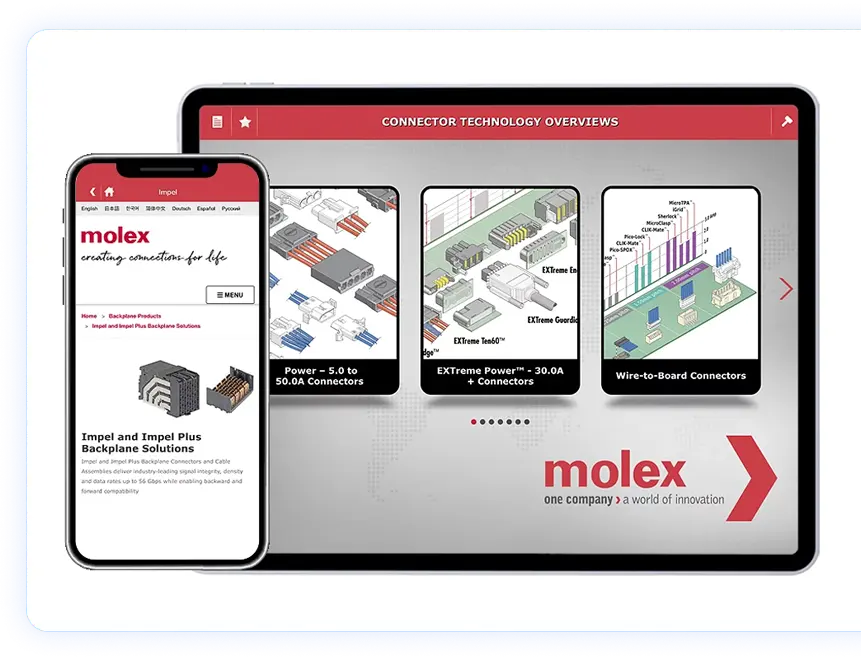
Industry
Manufacturing
Technologies:
MySQL, Liferay, Java, JQuery, Spring
Challenges:
Business Impact:
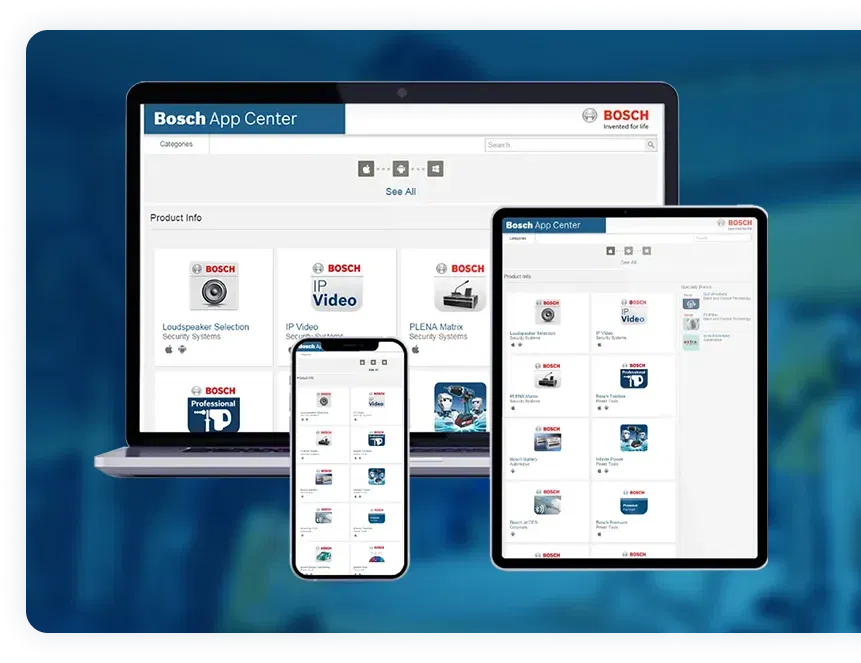
Client
Rexroth, A Bosch Company

Words that motivate us to go above and beyond! A glimpse of our customers who make us shine among the rest.

The team at Softweb Solutions delivered exceptional digital transformation services within the agreed time frame. Throughout our large-scale projects, we formed a fantastic partnership with Softweb Solutions. Softweb’s DevOps team demonstrated adaptability, encouraging our input during development. They seamlessly modernized the legacy system, including our data warehouse, that meets current market demands.
Mina Abdelkodous

Softweb team provided excellent professional services for a very important project I am working on. In addition, they worked with me after the project was completed to provide technical support and to help me to extend their code base. I will be contracting Softweb again next month when we start working on phase II.
Steven Rieger
We deliver workflow automation solutions tailored to the operational challenges, compliance requirements, and process patterns specific to each industry.
Manual handoffs multiply problems. Automated workflows multiply results. Build the difference.
Identify workflows to automateWe follow a structured approach that transforms your operational requirements into production-ready automated workflows. Each phase builds on validated outcomes, ensuring your automation aligns with business goals and integrates smoothly into your existing environment.
We begin by analyzing your current workflows, documenting how work moves between people and systems, and identifying where manual effort creates delays or errors. This assessment reveals which processes offer the highest automation ROI and establishes baseline metrics for measuring improvement.
Next, we design the workflow path, including approvals, handoffs, and how exceptions should be handled. Integration needs are mapped early so the workflow fits into your existing environment rather than forcing teams into a new way of working.
With designs approved, our team builds your automated workflows using platforms suited to your technical environment. We configure triggers, actions, conditions, and integrations while developing custom components where standard capabilities fall short of your requirements.
We then connect the workflow with the tools your teams depend on and test it using practical scenarios. This step confirms that rules behave as expected, information moves correctly, and common edge cases do not break execution.
After testing, we deploy workflows with monitoring in place. We also train users and owners on day-to-day usage, handling exceptions, and basic fixes so the automation can be managed confidently.
Once workflows are live, we review performance and refine what is slowing execution or creating noise. Ongoing optimization keeps workflows effective as volumes grow and business needs change.

Approvals and handoffs move forward automatically once inputs are available, reducing delays and keeping work moving at a steady pace.
Checks and rules are applied consistently at each step, which reduces mistakes caused by manual handling and uneven execution.
When automation handles routine tasks, you reduce the staff hours dedicated to repetitive work. Teams accomplish more without proportional increases in headcount or overtime.
Teams can see how work progresses through each stage, reducing the need for follow-ups and helping delays get addressed sooner.
As volumes increase, the same workflows continue to run reliably without added coordination or the need to redesign how work flows.
Required checks and steps are built into the workflow, so processes follow defined rules every time and leave clear records for review.

21+ years of enterprise software expertise with proven workflow automation capabilities across industries and business functions
120+ automation specialists delivering end-to-end implementation from process assessment through deployment and ongoing optimization
Automation expertise across Microsoft Power Automate and UiPath, with workflows that connect seamlessly to enterprise systems such as Salesforce, SAP, and Oracle
Domain knowledge across manufacturing, finance, retail, and supply chain with compliance understanding for regulated industries
Outcome-focused engagement with clear milestones, transparent communication, and metrics aligned to your operational improvement goals
AI-powered workflow automation combines traditional workflow routing with artificial intelligence capabilities like document classification, data extraction, and decision logic. While standard automation follows predefined rules, AI-enhanced workflows can process unstructured data, learn from outcomes, and adapt routing based on content analysis and pattern recognition.
The difference between business process automation and simple workflow automation lies in scope and complexity. Simple workflow automation handles routing through predefined steps like approvals and notifications. Business process automation covers end-to-end processes spanning multiple departments, systems, and decision points with complex logic and cross-system coordination.
Yes. We build custom automation solutions designed around your specific business rules, approval hierarchies, and operational requirements. Our team analyzes your existing processes, identifies automation opportunities, and develops workflows that address industry-specific compliance requirements and operational patterns unique to your organization.
Common automation candidates include approval workflows for expenses, purchase orders, and documents. HR processes like onboarding, leave requests, and performance reviews. Finance workflows including invoice processing, payment approvals, and reporting. IT operations like service requests, incident management, and provisioning. Customer service processes including ticket routing and escalation.
Yes. We integrate workflow automation with your existing ERP, CRM, HR systems, and business applications through APIs, native connectors, and custom integrations. Our approach ensures data flows seamlessly between your workflow automation platform and operational systems without requiring replacement of your current technology investments.
Small businesses should evaluate workflow automation services based on implementation cost, ease of use, integration with existing tools, and scalability. Start with processes that consume the most manual time, like invoicing or customer follow-ups. Choose platforms with low-code capabilities that don’t require extensive technical resources to maintain and extend.
The best way to implement workflow management in a small business is to start with a single high-impact process rather than organization-wide automation. Document the current workflow, identify manual steps causing delays, and select automation that integrates with existing tools. Measure results before expanding. Cloud platforms offer cost-effective starting points.
The best tools for finance workflow automation depend on your systems and compliance needs. Microsoft Power Automate works well for finance teams operating within Microsoft 365 and Dynamics environments. UiPath is suitable for automating complex finance processes that span legacy systems, while Automation Anywhere supports high-volume finance workflows such as invoice processing and reconciliations with strong control and monitoring features.
Alternatives to Camunda include Microsoft Power Automate for low-code, business-led automation, UiPath for process automation that involves legacy applications or complex logic, and Automation Anywhere for enterprise-scale automation requiring centralized governance. The right option depends on process complexity, system landscape, and operational scale.
Popular platforms for team automation and workflow management include Microsoft Power Automate for organizations using Microsoft 365, UiPath for teams that need automation across multiple applications, and Automation Anywhere for managing large-scale workflows across departments. These platforms support task routing, approvals, and process coordination in different operational contexts.
For integrating CRM, helpdesk, and project management applications, Microsoft Power Automate is well suited for Microsoft-centric environments with native connectors. UiPath can handle integrations that involve legacy systems or desktop applications, while Automation Anywhere supports enterprise integrations where scale, control, and monitoring are critical. The recommendation depends on your platforms, data flow complexity, and integration requirements.
Operations designed for consistency. Automation built for scale.
Share your workflow challenges and we will map the automation approach that addresses them.
 All our projects are secured by NDA
 100% Secure. Zero Spam.
By submitting this form you agree with the terms and privacy policy of Softweb Solutions Inc.
